


This tool[8] can help you to set up a proxy server. It is a component of drakwizard which should be installed before you can access to it.
A proxy server is a server (a computer system or an application) that acts as an intermediary for requests from clients seeking resources from other servers. A client connects to the proxy server, requesting some service, such as a file, connection, web page, or other resource available from a different server and the proxy server evaluates the request as a way to simplify and control its complexity. (From Wikipedia)
Welcome to the proxy server wizard.
Introduzione
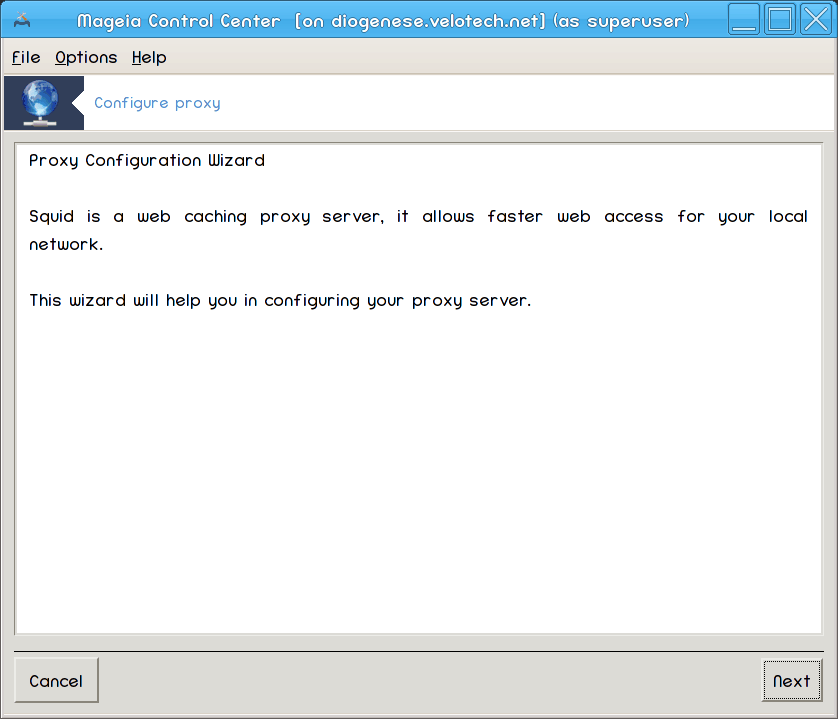
La prima pagina è solo un'introduzione, premi .
Selezionando la porta proxy

Select the proxy port browsers will connect through, then click .
Impostando memoria e uso del disco

Set memory and disk cache limits, then click .
Select Network Access Control

Set visibility to local network or world, then click .
Grant Network Access

Grant access to local networks, then click .
Use Upper Level Proxy Server?
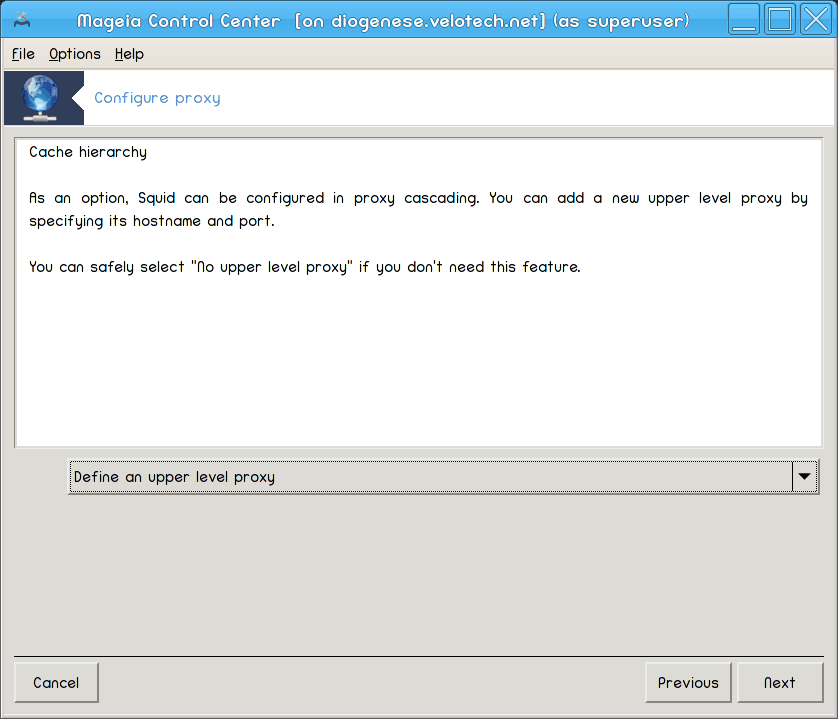
Cascade through another proxy server? If no, skip next step.
Upper Level Proxy URL and Port

Provide upper level proxy hostname and port, then click .
Sommario

Take a second to check these options, then click .
Avviare durante il boot?

Choose if the proxy server should be started during the boot time, then click .
Finisci
You're done! Click .
Installare il pacchetto squid se necessario;
Saving
/etc/squid/squid.confin/etc/squid/squid.conf.orig;Creating a new
squid.confstarting fromsquid.conf.defaultand adding the new parameters:cache_dirlocalnetcache_mem
http_port
level1, 2 or 3 andhttp_accessaccording to levelcache_peervisible_hostname
Riavviando
squid.
